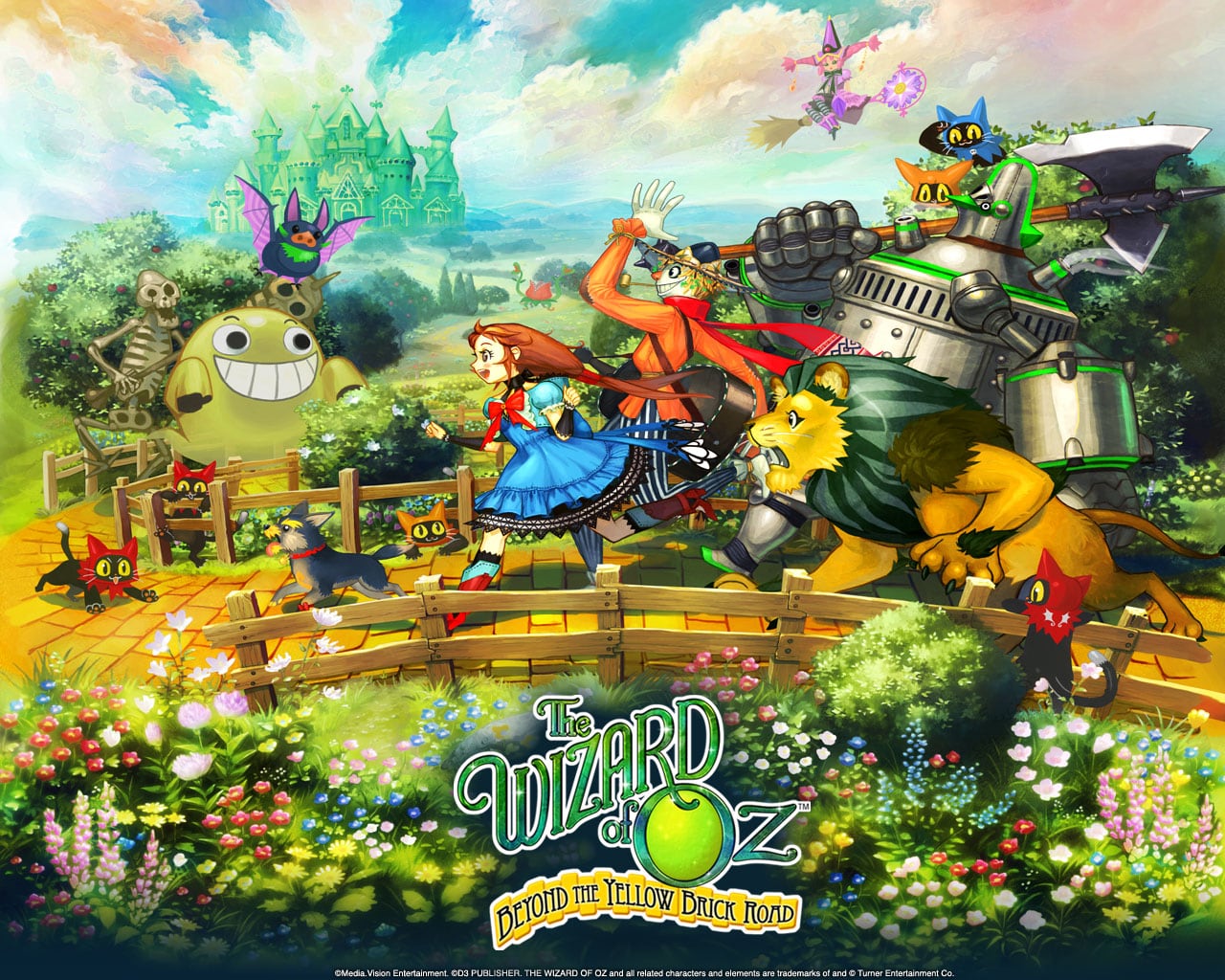
The Wizard of Oz: Beyond the Yellow Brick Road Controller/Input Mod v1.0
Playing the touchscreen-only DS RPG with actual buttons
My controller mod for The Wizard of Oz: Beyond the Yellow Brick Road on DS. Movement, camera, dialogue, and combat are mapped to buttons, and the touchscreen still works like it always did. I made it so I could actually play the game on my AYN Thor.
This is my proper controller-focused build for Wizard of Oz: Beyond the Yellow Brick Road. The goal was basically to make the game actually comfortable to play on a modern handheld without taking away the original touchscreen controls. Movement, camera control, dialogue, and combat have been mapped to physical controls, while the original touch functionality is still there.
The included patcher will apply the mod to a clean ROM, and the README goes over the setup, controls, and what's currently supported. This is still an early build, but it's already gotten to the point where I can actually sit down and play the game on the AYN Thor without constantly reaching for the touchscreen.
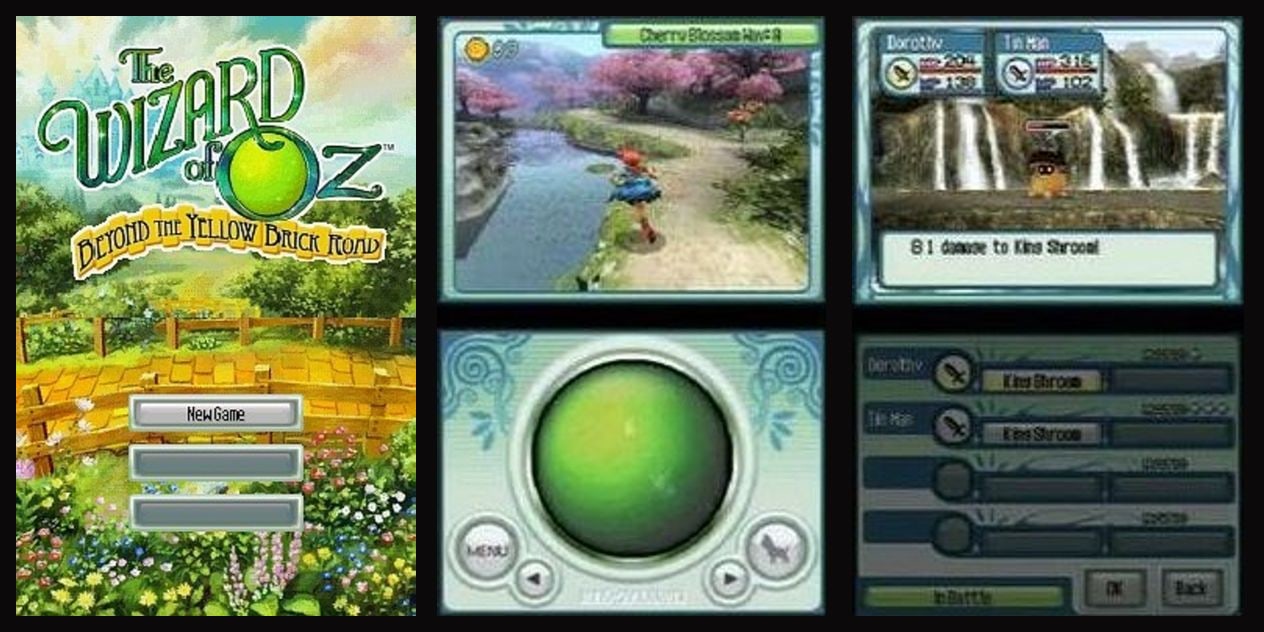
This is how the game normally plays. You move Dorothy by spinning that big green ball, and pretty much everything else is tapping too.
Why I made this
If you've never played it, this is a Media.Vision RPG (the Wild ARMs people) that XSEED brought over in 2009. It's a really pretty game with a fun little battle system, and I've wanted to play through it for a while. The problem is that the whole thing is played on the touchscreen. Walking, turning the camera, going through dialogue, picking attacks, all of it.
That's fine on an actual DS with a stylus. On the Thor it got old pretty quick. I kept having to stop and reach down to the bottom screen for every little thing, so I started working on getting the buttons to do it instead.
Controls
These are the DS buttons, so where they end up on your controller depends on how your emulator is mapped.
Walking around:
- D-pad / stick moves Dorothy (instead of the trackball)
- L and R turn the camera
- X opens the menu
- Y is the Toto button, so it opens chests, checks "?" spots, or does Toto's thing. Same as the touch button, it only works when Dorothy is standing still.
Dialogue:
- A goes to the next page
- B exits
- A also gets you past the "touch the screen" messages and battle results
Battles:
- A to input battle commands
- B to flee
- Y to switch fighters
For battle commands, targets, items, the pause menu, the title screen, and the name screen, press the D-pad and a cursor shows up. Move it around, A presses whatever's highlighted, and B goes back. It uses the game's own button highlight so it doesn't look out of place. If you touch the screen the cursor goes away.
I also left a small cheat in there. Dorothy's HP fills back up after every battle. It's always on, and it doesn't touch anyone else's HP or MP.
What you need
You need the USA version of the game. The patcher checks the ROM, so it won't work on anything else.
- The Wizard of Oz: Beyond the Yellow Brick Road (USA), game code
COZE - Untrimmed, 134,217,728 bytes
- SHA-1:
47FD123EDC2C1F5B3EE45DB64B6ED79CA9588C3E - Patched ROM SHA-1:
45E3362906A601AFD25A86B891407AA49B20B71C
How to install
On Windows, put Apply Controller Mod.bat and WizardOfOz_ControllerMod.bps in the same folder as your ROM and double-click the .bat file. It'll find the right ROM and make a new copy with "(Controller Mod)" in the name. Your original ROM doesn't get touched.
On Mac or Linux, the .bps file is just a normal BPS patch, so you can use Rom Patcher JS, Floating IPS, beat, or whatever you already use.
Stuff to know
- In-game saves work fine. Your emulator names the save after the ROM, so if you want to keep your old save, rename your .sav to match the patched ROM (or rename the ROM).
- Don't load savestates from the unpatched game. The savestate loads the old code with it and the button controls won't be there. Use an in-game save instead.
- Typing in a custom name still needs the touchscreen. You can take the default name with the cursor though.
- I've tested it in melonDS on Windows and on the AYN Thor. I haven't tried real DS hardware or flash carts.
Download
Download Wizard of Oz Controller Mod v1.0
The zip just has the patch, the .bat patcher, and the README. There's no ROM in it, so you'll need your own copy of the game.
If you run into anything that doesn't work right, shoot me an email at bloodsoakedmedia@gmail.com. Let me know what you're playing on and where it happened, and a screenshot helps a lot.
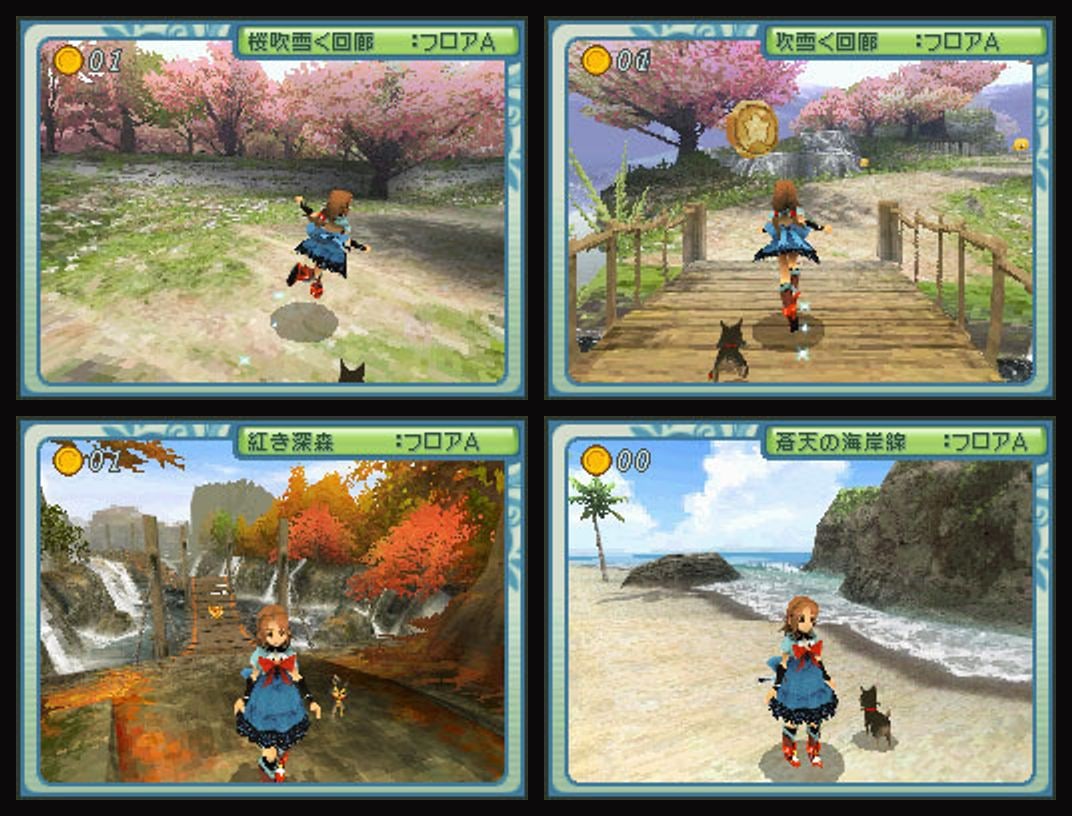
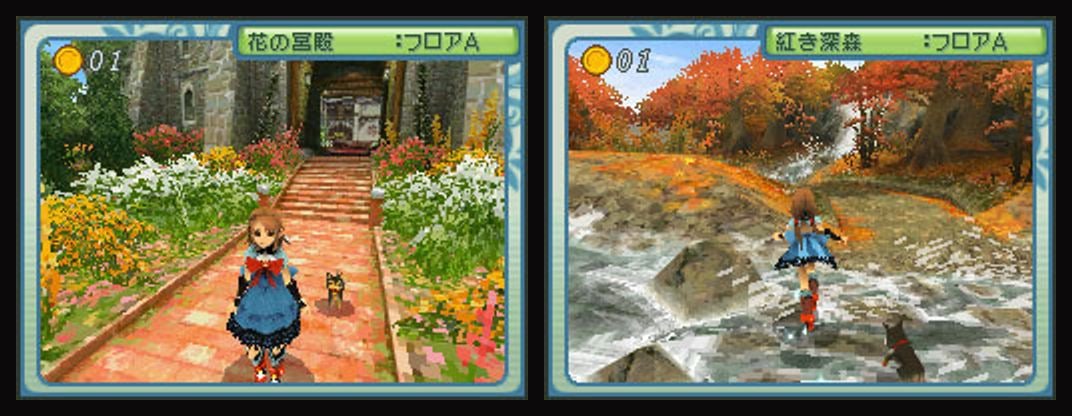
The Wizard of Oz: Beyond the Yellow Brick Road is by Media.Vision and D3Publisher, published in North America by XSEED Games. This is a fan mod and isn't affiliated with any of them. Screenshots and art are from Giant Bomb, IGN, and IGDB. The gameplay shots with Japanese text are from the Japanese release.